Designing for Accessibility: How to Make Your Website Inclusive for All Users
Accessible design lets people with visual, hearing, cognitive and motor impairments use your website as easily as anyone else. The essentials, from semantic HTML to testing.
Originally published on The VL Studios blog on January 16, 2023. Lightly edited.
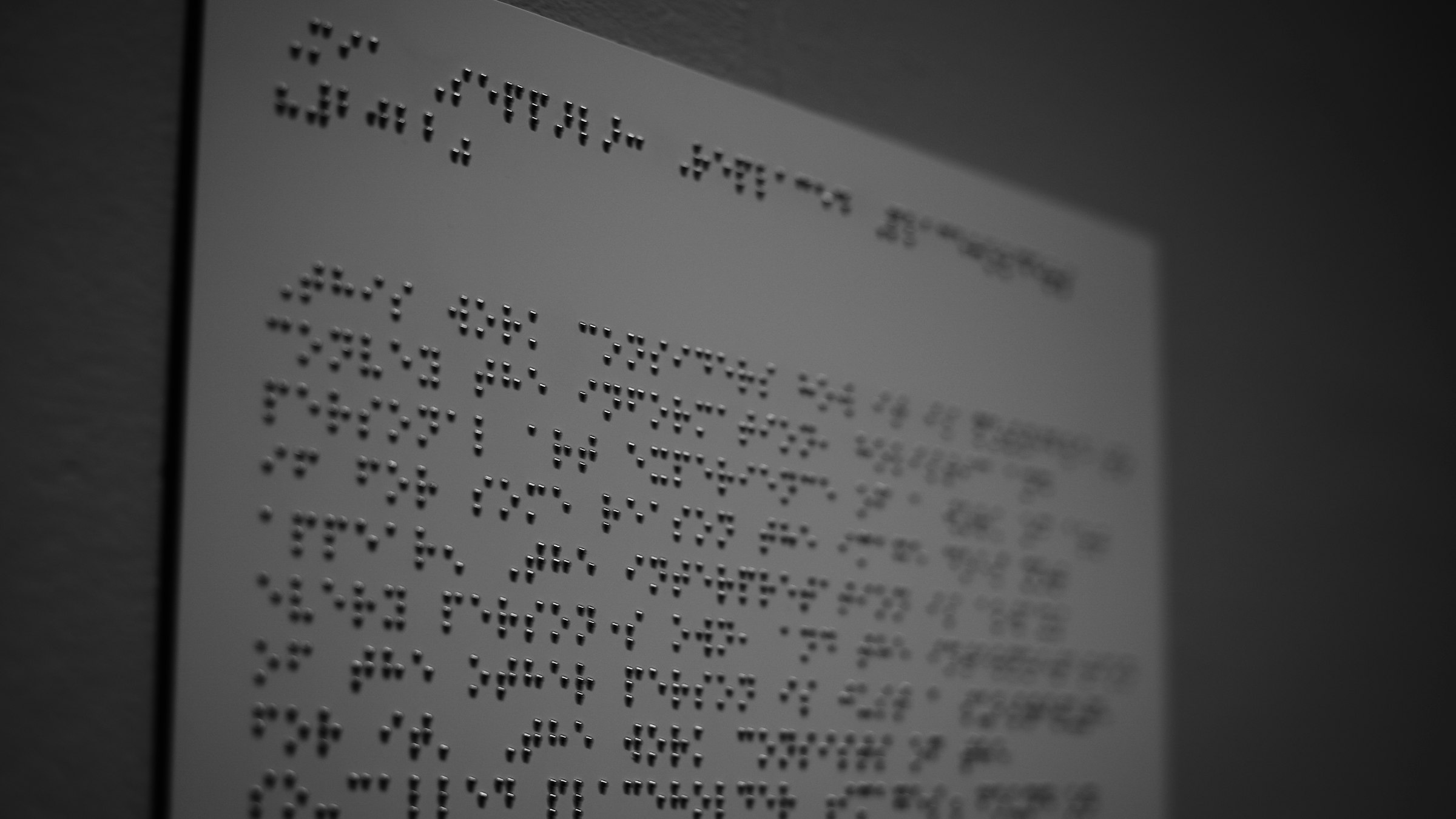
Designing for accessibility means making sure people with disabilities can use your website as easily as everyone else. It's the right thing to do, it widens your audience and, in many markets, it's increasingly expected by law.
Understand your users
Visual, hearing, cognitive and motor impairments each affect how people use a website. Knowing those needs helps you make better design decisions from the start.
Use semantic HTML
Proper headings, lists and landmarks give a page a structure that screen readers and other assistive technologies can navigate.
Offer alternatives
Add text alternatives for images, captions for video and audio, and descriptions for complex graphics. Make sure everything works with a keyboard alone.
Get color, contrast and type right
Choose colors with enough contrast between text and background. Keep type large and legible, with comfortable spacing.
Test with real tools
Test with screen readers, keyboard navigation and other assistive technologies, and give visitors an easy way to report problems.
Selling to American buyers? I help Estonian, Nordic and Baltic companies adapt their websites, messaging and launch materials for the US market.
Request a free US-readiness scorecard

